# Clinic Pro Cloud Backup

Store Clinic Pro database backups on a Linux server, then watch the clinic PC and upload new files automatically.
The POS already uploads whatever file is in `D:\Clinic_Pro_Db_backup`. That program stays as it is, and it always posts here:
`https://www.infotechonline.asia/pos/upload.php`
`WebClient.UploadFile` sends a multipart form with one field named `file`. Any HTTP 200 is success. The receiver stores that file on disk. `shop.php`, `read_status.php`, and `feedback.php` stay where they are.
## Screenshots
### Upload progress
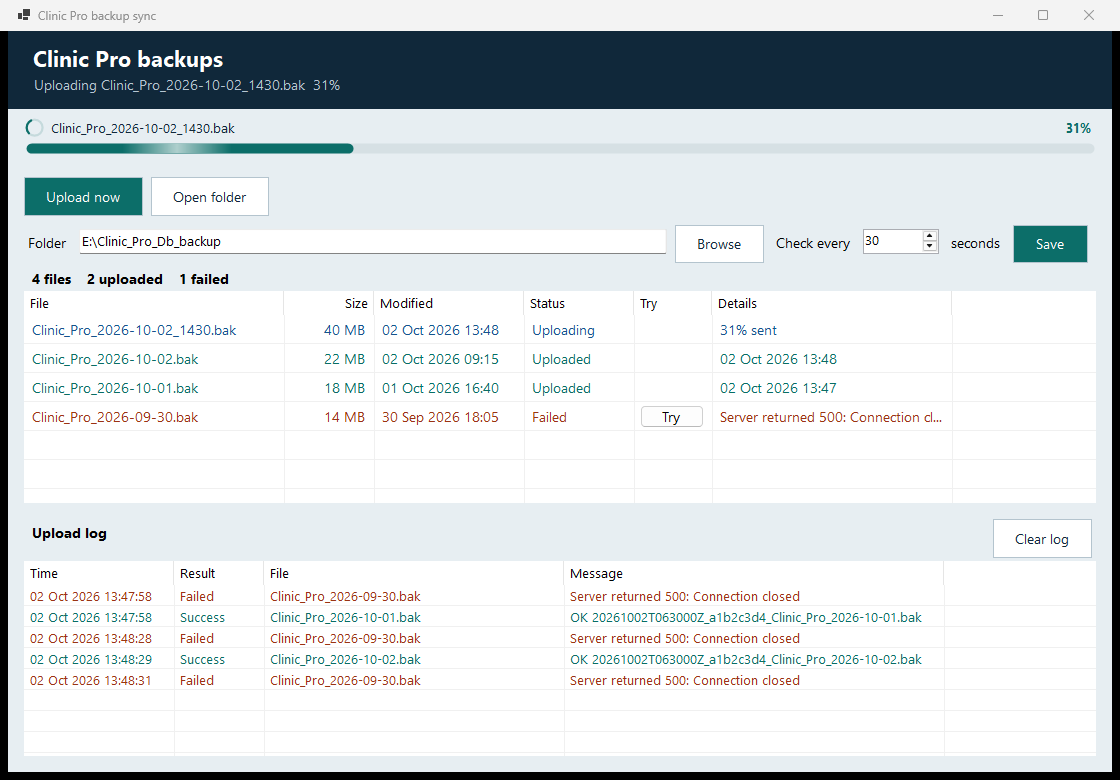
The bar shows the file name and the percent sent. A failed row keeps a **Try** button. **Clear log** empties the on-screen log and the log file.
### Dashboard
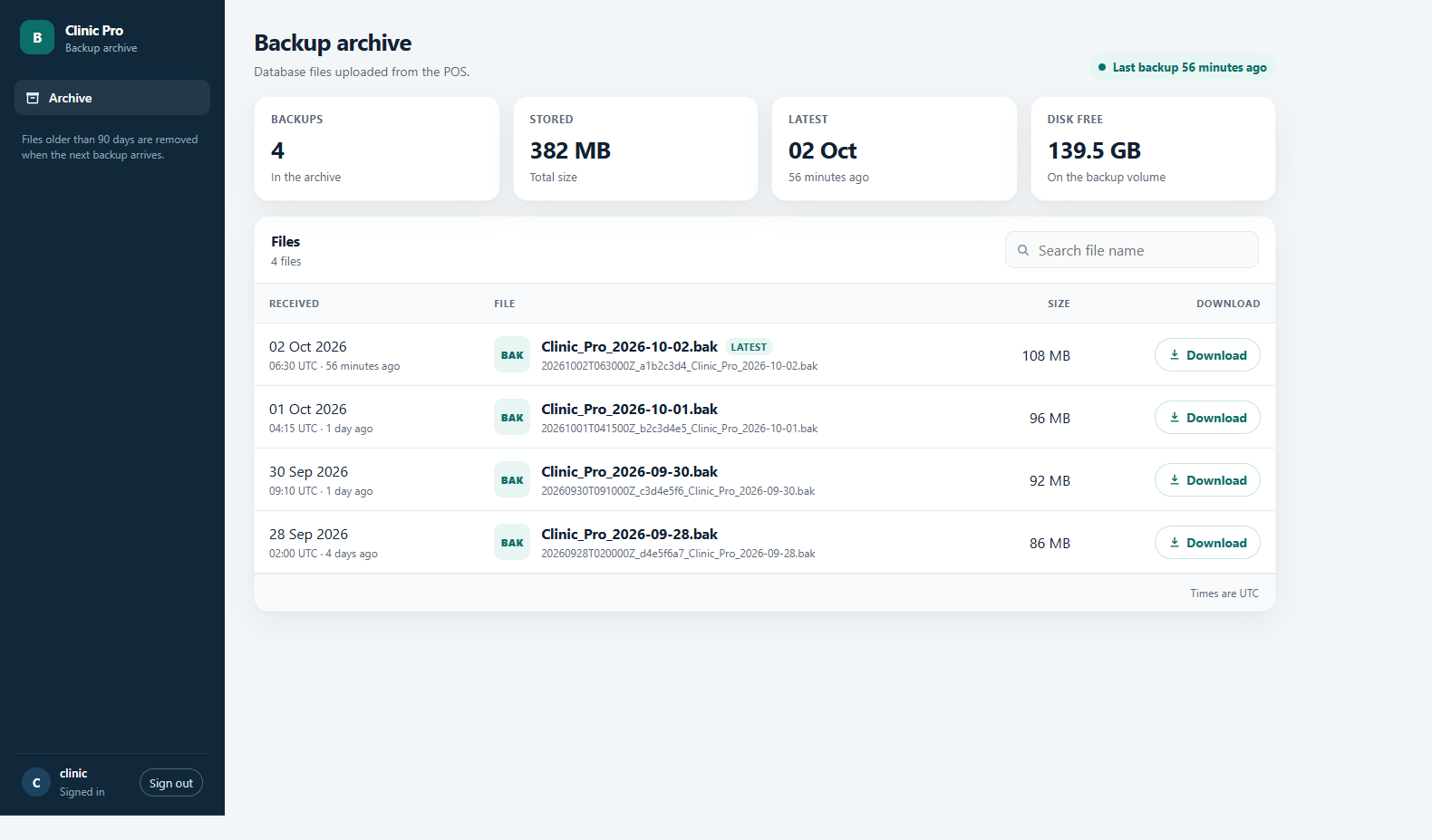
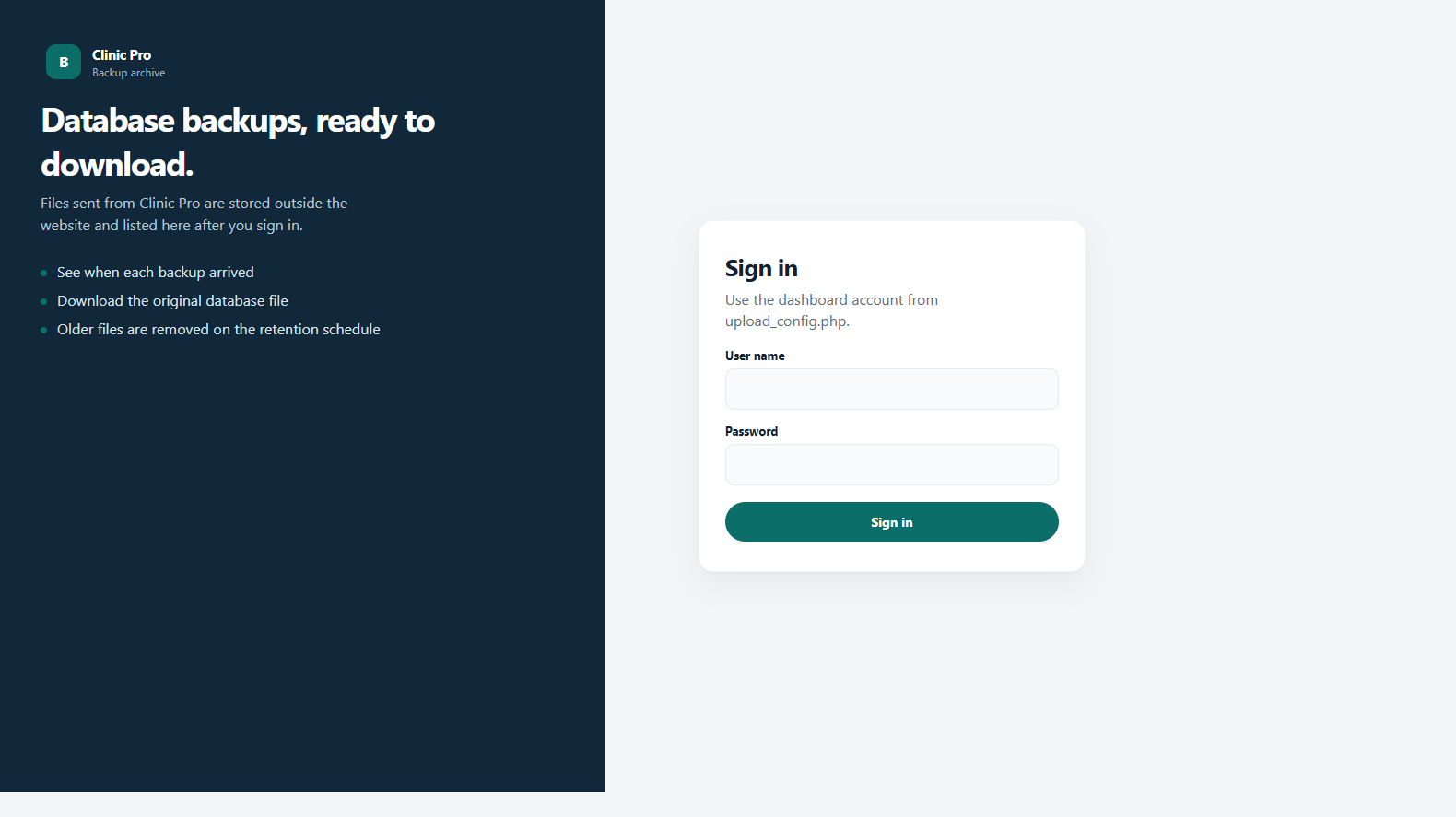
Open `https://www.infotechonline.asia/pos/dashboard.php`, sign in, and download a backup. Files older than 90 days are removed when the next backup arrives.
## Windows sync app
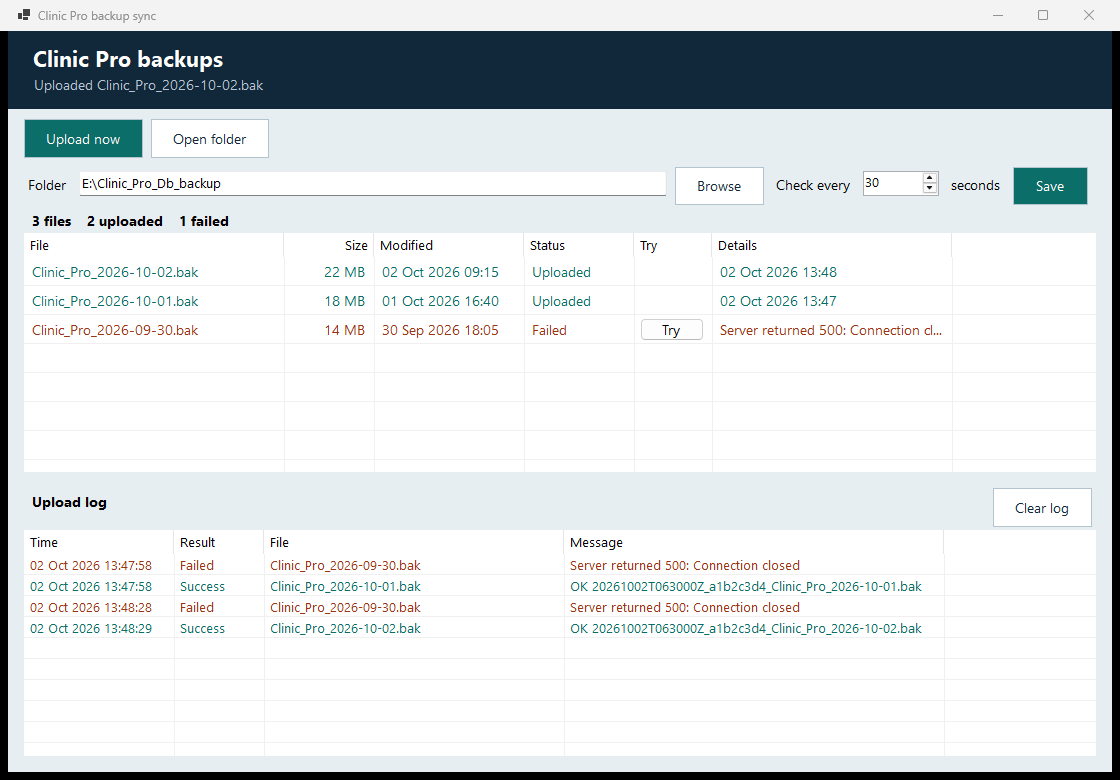
`ClinicBackupSync.exe` watches the backup folder. It waits until a new file has stopped growing and is no longer locked, then uploads it to the same URL. The window lists every file and records which uploads succeeded and which failed.
Closing the window leaves the app in the system tray. **Exit** in the tray menu quits. The first time the program is opened, it registers itself to start when that Windows user signs in.
Settings in the window:
| Setting | Meaning |
| --- | --- |
| Folder | Directory to watch. Default `D:\Clinic_Pro_Db_backup` |
| Check every | Seconds between upload attempts. Default 30 |
**Save** writes `appsettings.json` beside the exe.
Publish a single file that does not need a separate .NET install:
```powershell
dotnet publish sync\ClinicBackupSync\ClinicBackupSync.csproj -c Release -r win-x64 --self-contained true -p:PublishSingleFile=true -p:IncludeNativeLibrariesForSelfExtract=true
```
Copy both files from `sync\ClinicBackupSync\bin\Release\net9.0-windows\win-x64\publish\`:
- `ClinicBackupSync.exe`
- `appsettings.json`
```json
{
"WatchFolder": "D:\\Clinic_Pro_Db_backup",
"UploadUrl": "https://www.infotechonline.asia/pos/upload.php",
"StableSeconds": 15,
"RetrySeconds": 30
}
```
`StableSeconds` is how long the file must sit unchanged before it is uploaded. Exit the tray app before replacing the exe, or the file stays locked.
Optional arguments: `--folder`, `--url`, `--stable-seconds`, `--retry-seconds`, `--once`, `--no-startup`.
The log and upload history for the signed-in user are in `%LocalAppData%\ClinicBackupSync\`.
## Apache and PHP
Copy these files into the existing `/pos/` directory:
- `php/upload.php`
- `php/upload_config.php`
- `php/dashboard.php`
Create the storage folder outside the website:
```sh
sudo mkdir -p /var/backups/clinic-pro/files
sudo chown www-data:www-data /var/backups/clinic-pro /var/backups/clinic-pro/files
```
Set a dashboard password in `upload_config.php`. Leave it blank and the dashboard stays closed. The POS upload does not use this password.
```php
'dashboard_user' => 'backup',
'dashboard_password' => 'choose-a-long-password',
```
Each stored file is named `{UTC time}_{8 hex}_{original name}`. The upload log is `/var/backups/clinic-pro/uploads.log`. The app limit in `upload_config.php` is 8 GB (`max_bytes`).
### PHP and Apache limits
`upload_max_filesize` and `post_max_size` both have to be larger than the backup. `post_max_size` must be at least as large as `upload_max_filesize`, because the form body is slightly bigger than the file. Copy `deploy/php-limits.ini` into the Apache PHP config and reload:
```sh
sudo cp deploy/php-limits.ini /etc/php/8.3/apache2/conf.d/99-clinic-backup.ini
sudo systemctl reload apache2
php -r 'echo "upload=".ini_get("upload_max_filesize")." post=".ini_get("post_max_size").PHP_EOL;'
```
That command prints the command-line PHP settings. After a reload, Apache uses the same `conf.d` file. The expected line is `upload=8192M post=8192M`.
If `www` is proxied through Cloudflare, the Free and Pro plans stop a request above 100 MB and the browser shows **Payload Too Large** before PHP sees the file. Leave that hostname on DNS only when backups are larger than 100 MB. The origin then needs the public certificate from Certbot (`/etc/letsencrypt/live/www.infotechonline.asia/`).
## Separate Python service
```sh
sudo sh deploy/install.sh
```
The service listens on `127.0.0.1:8090`. Add the locations from `deploy/nginx-clinic-backup.conf` to the existing HTTPS site, then reload Nginx. Set the dashboard password in `/etc/clinic-backup.env`:
```
CLINIC_DOWNLOAD_USER=backup
CLINIC_DOWNLOAD_PASSWORD=choose-a-long-password
```
Restart the service and open `https://www.infotechonline.asia/backup`.
To accept uploads only from the clinic, set `CLINIC_ALLOW_IPS` (or `allow_ips` in `upload_config.php`) to those public addresses. The POS sends no password, so anyone who can reach an open upload URL can store a file there.
## Check the receiver
```sh
curl -f -X POST "https://www.infotechonline.asia/pos/upload.php" \
-F "file=@sample.bak;type=application/octet-stream"
```
A successful response looks like `OK 20261001T103000Z_a1b2c3d4_sample.bak`.
Confirm `D:\Clinic_Pro_Db_backup` already contains the backup file. The POS button uploads the file from that folder. It does not run SQL Server `BACKUP DATABASE`.
## Project layout
```
php/upload.php POS upload receiver
php/dashboard.php Sign-in page, file list, and downloads
php/upload_config.php Storage path, size limit, dashboard password
deploy/php-limits.ini PHP limits for multi-GB backups
deploy/install.sh Python receiver install
deploy/clinic-backup.service
deploy/nginx-clinic-backup.conf
upload_server.py Python receiver and /backup dashboard
sync/ClinicBackupSync/ Windows tray app
```